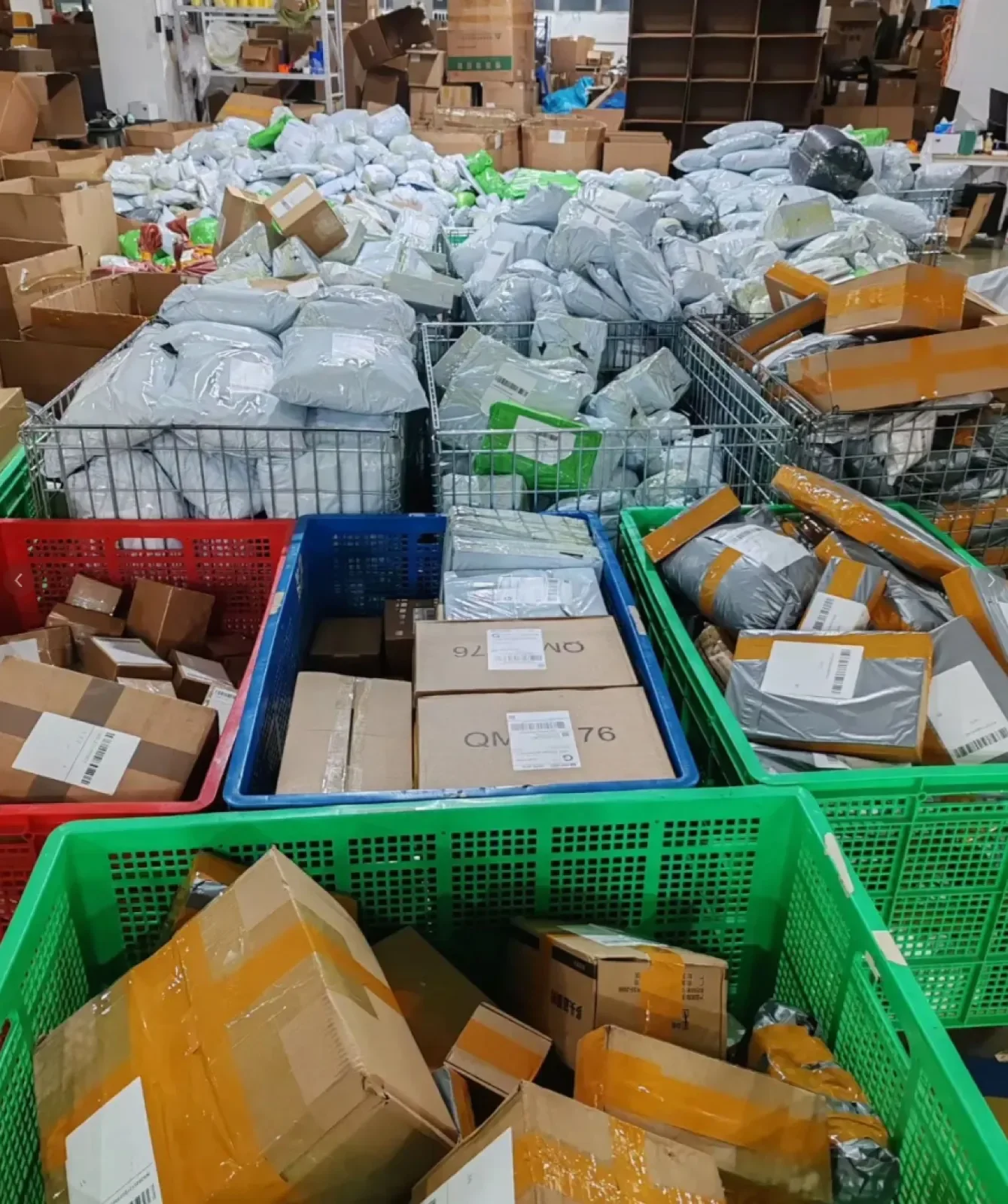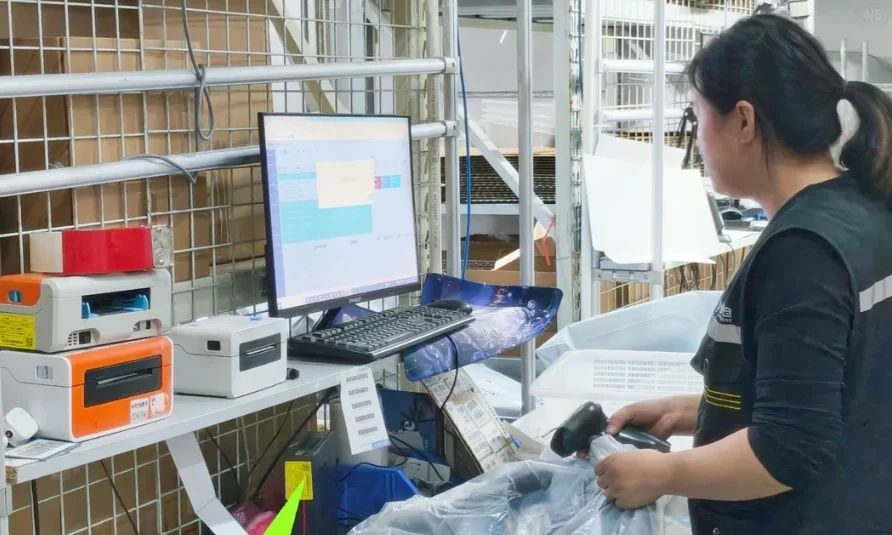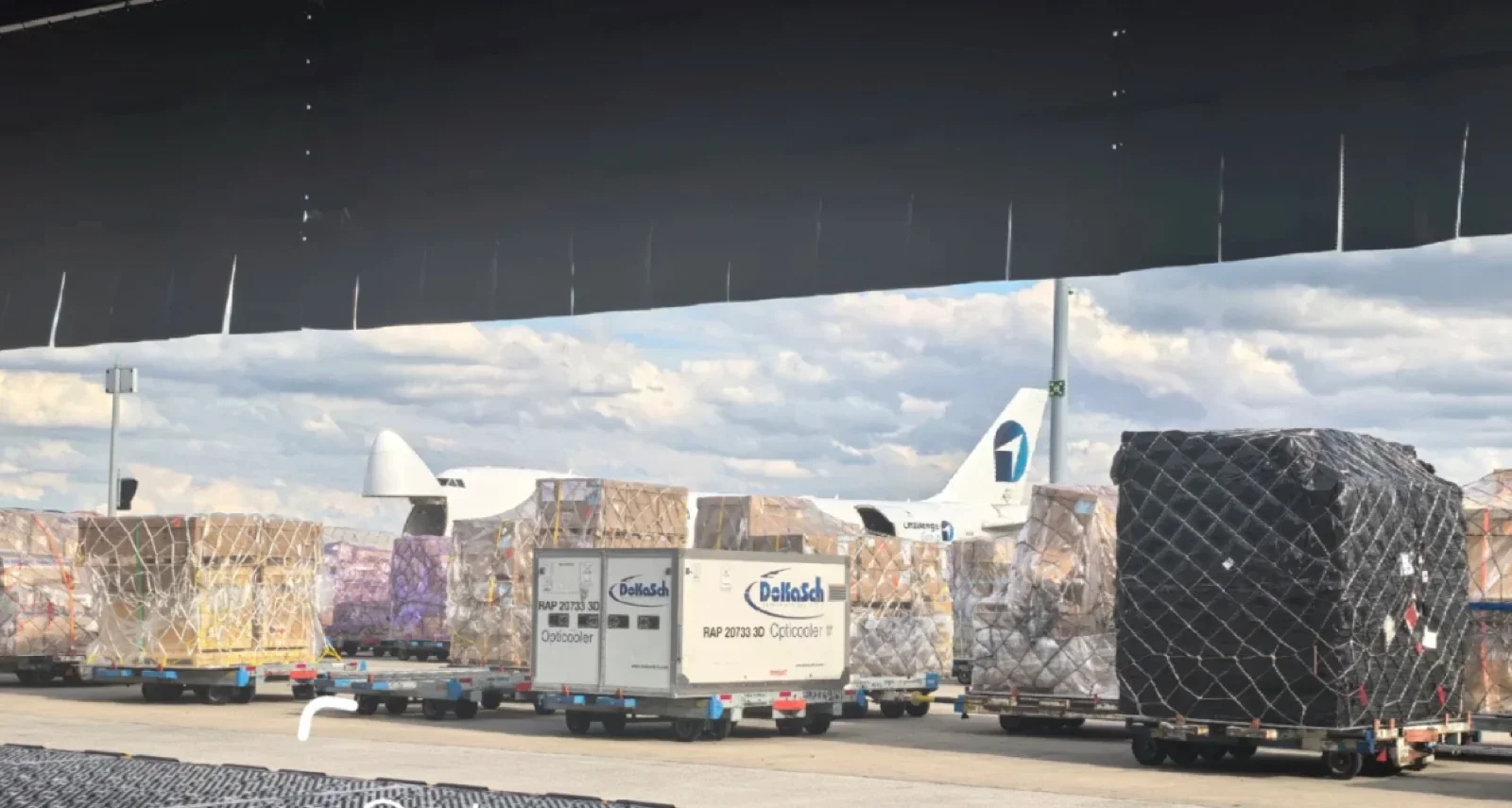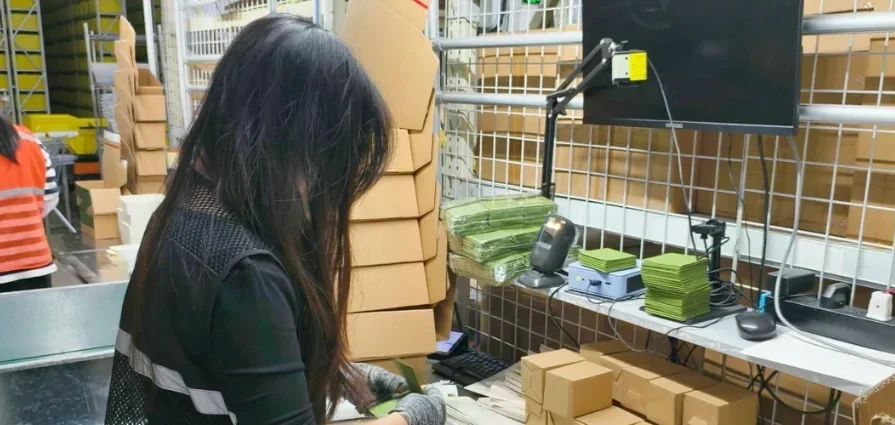
A shipping label identifies a parcel’s delivery instructions. It does not necessarily show the product variant or quantity inside. When several orders contain similar SKUs, agree how the order, picked goods and label will be matched before the batch is released. This guide describes a proposed check sequence to discuss with your warehouse.
Define the records before starting a batch
Use a unique customer-order reference, an active order version and a line reference for each SKU. Each line should identify the variant and expected quantity. Connect those lines to a parcel reference, packing specification and the shipping-label record. Keep the recipient details in the agreed operational workflow; a public planning example only needs dummy references.
Confirm how the warehouse receives changes and acknowledges the version it will use. A manually maintained record can support the check, provided the references remain consistent. Automated order imports, barcode scanning and store connections require a separately confirmed scope.
Work through two similar orders
The following is a hypothetical example. It contains no real customer orders or measured warehouse results.
Scroll horizontally to view all columns.
| Order | Expected contents | Parcel | Label reference |
|---|---|---|---|
| DEMO-101, version 1 | 2 blue sleeves, SKU SLEEVE-BLUE | DEMO-P101 | DEMO-L101 |
| DEMO-102, version 1 | 1 black sleeve, SKU SLEEVE-BLACK; 1 insert, SKU INSERT-A | DEMO-P102 | DEMO-L102 |
Suppose the correct goods were picked for DEMO-P102, but label DEMO-L101 was placed beside them. A quantity check alone would miss the problem. The final comparison must connect DEMO-P102 to DEMO-102 and its approved label record before the parcel is closed and released.
Do not rely on the position of a parcel in a stack or the order in which labels printed. Ask which durable reference stays with the picked order as it moves between picking, packing and label application.
Agree the check sequence
- Accept the order version. Confirm the released SKU lines, quantities, packing instructions and available stock. Hold an order with unresolved information.
- Pick against the line record. Compare the physical variant and quantity with the active instructions. Agree whether a photograph, printed description or approved scan supports identification.
- Check the completed pack. Reconcile its contents and required inserts before closing. A correct product count does not establish that the right variant was picked.
- Match the shipping label. Connect the label record to the same order and parcel reference, and compare the delivery details through the agreed secure workflow.
- Record release. Retain the check result, any correction and the release approval. Keep carrier collection and first physical scan as later events.
Agree who performs each step and what evidence is supplied. The sequence is a planning example, not a promise of a particular system or zero errors.
Pause a mismatch without losing the original record
Identify the affected order and parcel, the observed mismatch and the active file versions. Separate the parcel from the release batch while the authorized contact reviews it. Record the approved correction, replacement label reference where applicable and repeat check.
If the customer changes a variant or address while packing is underway, first establish the current status. Retain the earlier version as history and clearly identify the newly approved instructions. Do not assume a change can be completed after carrier handoff. See the order changes guide for the acknowledgment and approval record.
Keep split parcels identifiable
An order may need more than one parcel. Record the SKU lines and quantities in each parcel, its label and its tracking reference. Confirm how the customer will be informed of the split. One delivered parcel does not establish that every item in the customer order has arrived.
The order-label check record can document a line-by-line comparison. The existing order and parcel record covers packing measurements, shipping charges and transport events. Use the two records for their separate purposes rather than entering one parcel’s shipping charge repeatedly for every line.
Test what a successful scan actually confirms
Shopify documents desktop-admin scanning as a lookup: scanning a product variant barcode displays matching variants, orders and transfer batches. It requires the documented scanner setup and does not directly scan order or customer barcodes. Finding an order that contains a variant does not demonstrate that its full contents and shipping label were checked.
For your proposed packing workflow, test the wrong variant, a missing unit, an extra unit, a duplicate scan and a label from another order. Record whether each mismatch is detected, whether dispatch is held, who can approve a correction and which evidence remains. These are proposed acceptance tests, not claims about built-in Shopify validation or our warehouse software.
Shopify desktop-admin barcode scanning, checked October 6, 2026.
Approve variant mapping before batch printing
Shopify recommends distinct barcodes for product variants and testing a sheet before printing a large batch. Match each test scan to the approved variant record. Then check the barcode on the finished pack, including any wrap or outer bag. A readable symbol still needs the correct product mapping.
Shopify barcode printing guidance, checked October 6, 2026. Marketplace-specific eligibility and placement are reviewed separately in the SKU and barcode guide.
Review the workflow before increasing volume
Choose representative trial orders, including similar variants, a missing insert and a split parcel. Agree what counts as a completed check, how exceptions are acknowledged and who authorizes release. Review the records and actual handling work before setting a larger order schedule. No fixed processing time or error rate follows from the example.
Download the blank order-label check record (CSV) · Discuss China-to-customer fulfillment · Prepare the wider order and parcel brief
Seller question behind this guide
A seller asked how to match 50 printed shipping labels to orders containing different SKUs. Read the archived Reddit question and discussion. Some replies describe matching packing slips to labels. They are individual accounts, not verified operational results or evidence about our services. The example and check sequence above are original planning guidance, reviewed October 6, 2026.