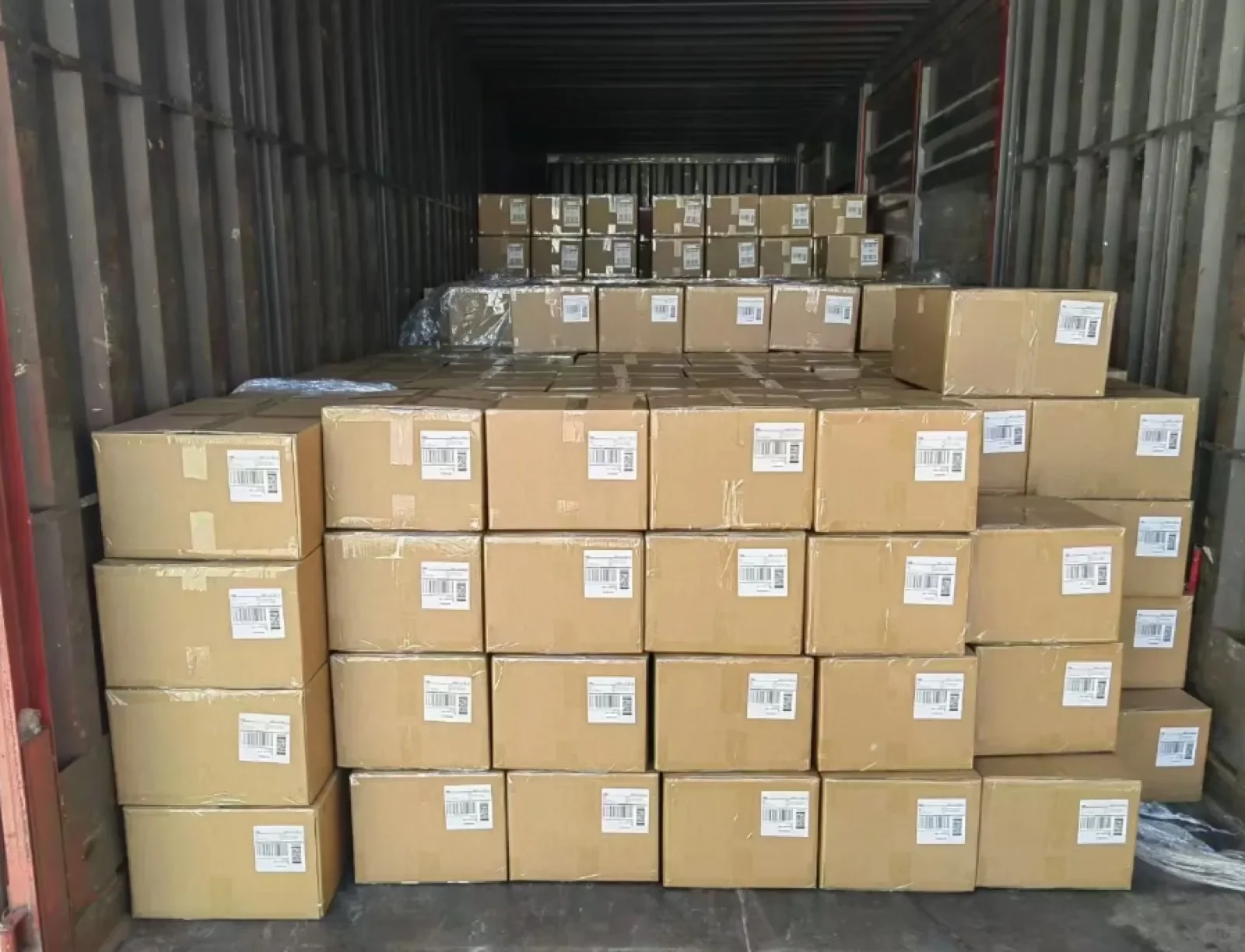
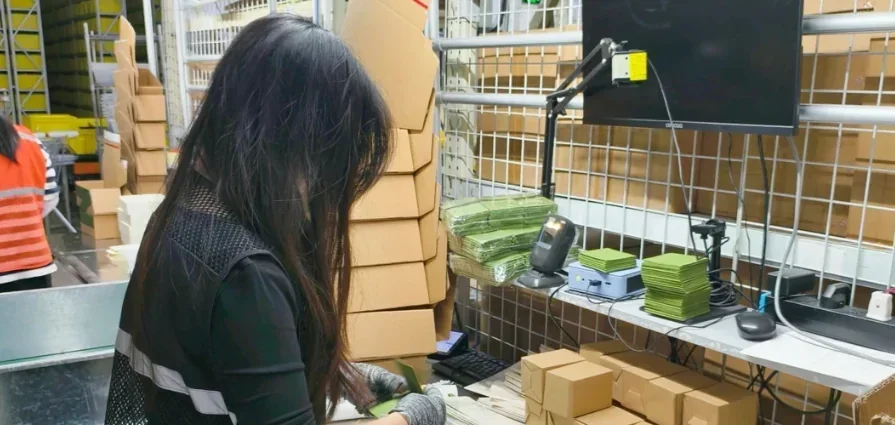
When an FBA shipment changes after packing has started, a new PDF is only one part of the change. The physical cartons, SKU allocation, box contents, receiving destination and carrier instructions need to describe the same outbound stock. Use this guide to scope a controlled revision with your supplier, China prep warehouse and transport coordinator.
Identify which record has changed
Start with the seller account, marketplace, shipment ID, preparation batch and date of the change. Explain whether the revision affects product identity, carton contents, destination, transport booking or several of these. Record the current location of the affected goods and who can physically check them.
A unit barcode identifies the sellable item. A marketplace box ID identifies a carton in its shipment plan. A carrier label routes a transport movement. Changing one does not automatically update the others. Keep destination product-information artwork in its own approved instruction set.
Use a change impact checklist
Scroll horizontally to view all columns.
| Change | Physical stock to review | Records to reconcile |
|---|---|---|
| SKU quantity reduced or stock held back | Which units remain in each affected carton; which stock stays in storage | Actual box contents, shipment quantity, reserved stock and release list |
| Carton opened or rebuilt | New carton identity, contents, closure and final measurements | Old-to-new carton mapping, box IDs, dimensions, gross weights and approved label files |
| Receiving address or shipment plan revised | Cartons allocated to each destination and labels already attached | Current marketplace instructions, transport destination, booking and replacement-label scope |
| Product identifier or variant instruction revised | Identity of the actual units, affected lots and any completed sets | Seller-approved SKU mapping, barcode choice, label sample and checking coverage |
| Carrier or routing changed | Carton groups awaiting collection or already handed over | Collection instruction, transport references and destination confirmation |
This is a work-planning checklist. The seller must check which edits the current marketplace workflow permits. Do not delete or recreate a shipment merely to make a warehouse spreadsheet agree with an unresolved physical discrepancy.
Freeze the affected work before replacing files
- Identify the hold: list affected cartons and units, their location and the work that must pause. Unaffected stock can proceed only under its own approved release instruction.
- Withdraw the old version: tell each party which files and instructions are superseded. Ask for acknowledgment from the person running the preparation work.
- Describe the replacement: record who generated the new labels, what they cover and whether opening, relabeling or rebuilding cartons is authorized.
- Approve the effort: confirm materials, checking scope, charges and the revised ready date before rework starts.
- Review the result: reconcile completed quantities, remaining stock, current labels and final carton data before the release approver signs off.
Keep the original files in a clearly separated archive for traceability. Give the work station one active instruction set, with an account or project reference that is recognizable without sharing seller account passwords.
Reconcile a split shipment at carton level
Illustrative example: two cartons were planned for destination A. After a quantity revision, carton C-02 is opened and some units are reserved in China while the remainder is assigned to destination B. The revised record needs to show the units held back, the actual contents of the rebuilt carton, its approved box ID, destination and updated gross weight. Reprinting a destination label alone leaves the stock allocation unresolved.
Use one current line per SKU within each revised carton. Reconcile those SKU quantities with the approved release quantity. Enter final carton dimensions and gross weight on one SKU line only; count cartons by the current shipment and carton reference, rather than by row count. Retain split or merged old-carton quantities in the linked mapping so they are not repeated across the new cartons. Preserve SKU and box references as text, including leading zeroes. If a new carton replaces two old cartons, keep the mapping instead of recycling a number that now describes different contents.
For marketplace placement options, use the offers and packing instructions available for your actual shipment. Compare the complete route: origin rework, packing materials, placement charges where applicable, transport to each destination and local handling. A forum example of a cheaper split is not a quote or proof of eligibility for your inventory.
Check the finished labels and variant identity
Ask how the agreed checks will connect the physical product, approved SKU record, scanned code and carton allocation. State whether the check covers a sample or every unit. Similar colours, sizes and models need distinguishable product references; a readable barcode can still be attached to the wrong variant.
For replacement work, record the old and new identifier, affected quantity, authorized label treatment and check result. Review the finished packed item so wrapping or a new outer bag does not hide the active barcode. Keep the first approved example and the production check record separate: approving one example is not evidence that every unit was checked.
See SKU and barcode checks for the product-level brief and shipment handoff records for carrier and receiving evidence.
If cartons have already left the prep warehouse
Locate the affected cartons using their last confirmed transport event. Ask the party controlling that location which inspection, hold or correction options are available. A request to stop movement is not a confirmed hold, and an intermediate warehouse receipt is not final marketplace receiving.
Before destination rework, confirm the actual facility, product acceptance, receiving reference, correction scope, charges and onward plan. If inventory is already in a marketplace facility, the seller must follow the current shipment-specific support instructions. Keep case numbers and original evidence; no checklist guarantees interception, relabeling by the marketplace or reimbursement.
Keep one release packet
- Change reference, reason, authorizer and effective instruction version.
- Affected SKU quantities, held stock and old-to-new carton mapping.
- Current shipment, box and transport references with destination allocation.
- Rework scope, completed checks, exceptions and final packed measurements.
- Approval to release and the actual carrier handoff record.
Download the blank FBA shipment change record (CSV). Use one current row per SKU per revised carton in the selected change record. Enter unknown details as unknown; record measurements after repacking rather than carrying forward estimates.
Keep the product-label file with its SKU and product-label version. Record the receiving-label file and version and the current shipment-plan reference and version separately for the carton. The change or work authorizer is separate from the final release-approval reference; record the actual decision covering the completed carton and current versions. A revised record or approved label does not establish physical carrier handoff. Read the revised-carton filling instructions (TXT).
Questions to resolve before you approve
Can we use labels left over from the previous shipment?
Confirm what each file identifies and whether it is still approved for the current inventory. A product label and a shipment box label have different roles. Do not assume an old box label remains valid after a plan or allocation change.
Does a correct product label prove the carton is correct?
No. Check carton contents, quantities, box ID and destination separately. Correctly identified units can still be packed under another shipment’s carton label.
Who decides whether to create a replacement shipment?
The seller manages the marketplace plan and its permitted changes. The warehouse reports physical stock and preparation results; the transport coordinator confirms movement options. Connect all three before approving a new release.
Sources and editorial scope
Reviewed October 6, 2026. This is original planning guidance informed by public seller questions, not a report of our customer shipments. The discussions below describe individual experiences; replies may require login. They are not current marketplace rules or findings about responsibility for an error.
- Correct unit labels with mismatched shipment carton labels
- FBA and destination-warehouse carton labels mixed during transport preparation
- Packing information and shipment-split options reported differently
- Carrier delivery reported while shipment status remains unresolved
Use the current instructions in your seller account for allowed shipment changes, label requirements and placement options. Preparation, rework and destination handling are confirmed in the project quote.